Follow the subscription lifecycle
Review new purchases, renewals, recoveries, cancellations and expirations in the existing server notification feed.
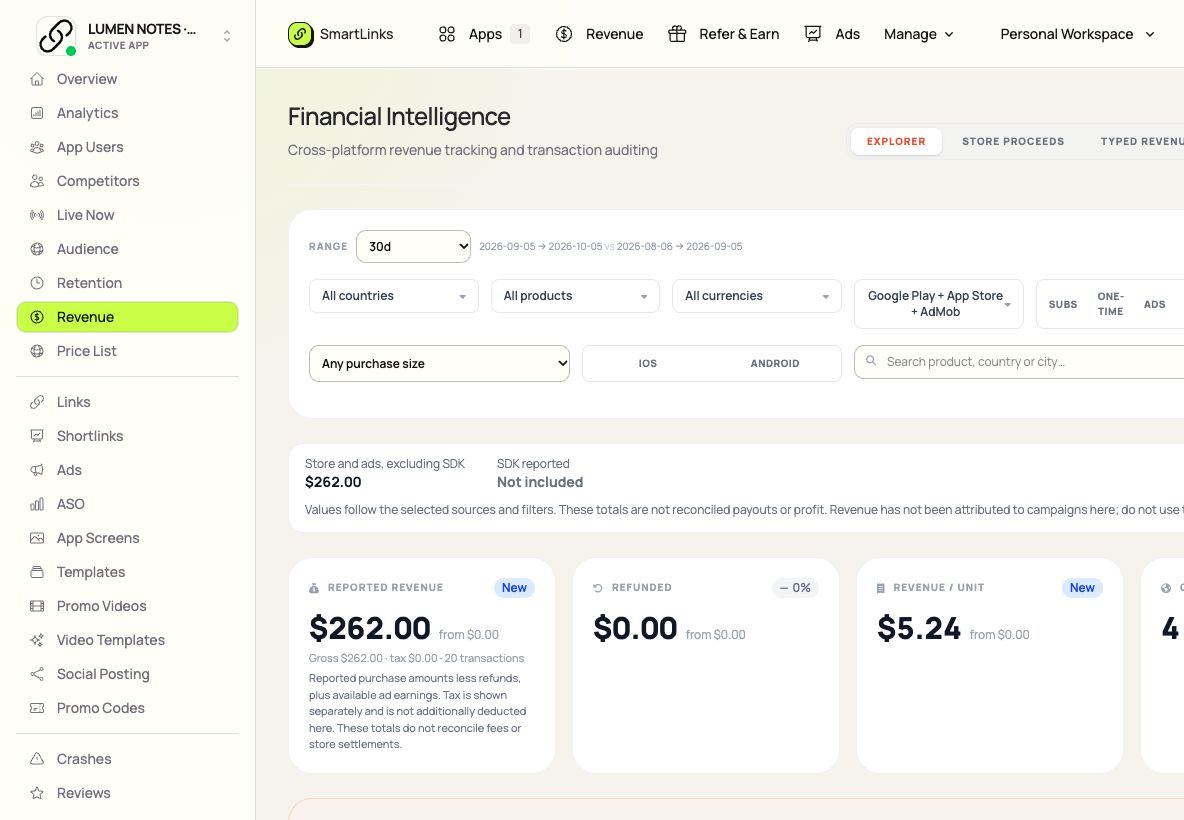
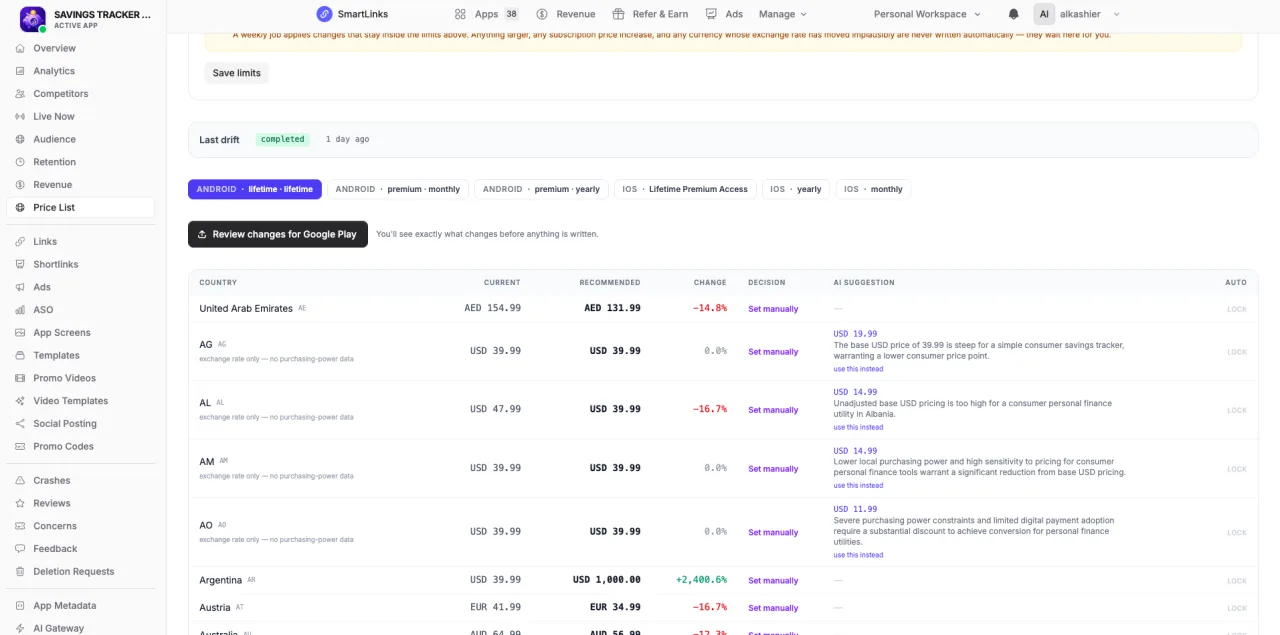
Follow App Store and Google Play subscription notifications in one chronological feed. Inspect purchases, renewals, cancellations and the reporting source behind each event.
Open Subscription Activity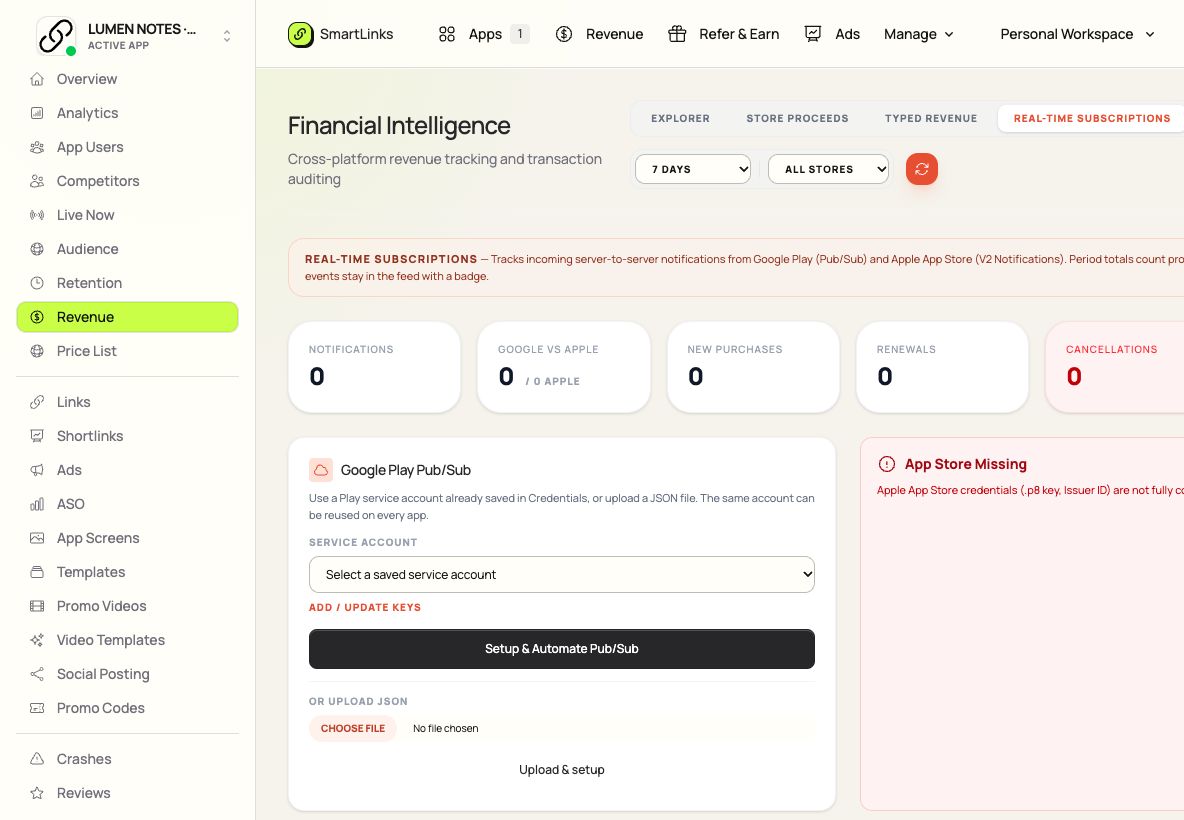
Keep the details that matter to this job in one place. Pick up where you left off, with your app and team already connected.
Explore the product guideReview new purchases, renewals, recoveries, cancellations and expirations in the existing server notification feed.
See the platform, event type, time and available recognized amount. Test notifications stay distinguishable from revenue.
Review Apple webhook and Google Pub/Sub setup, then page through the stored events for your selected app.
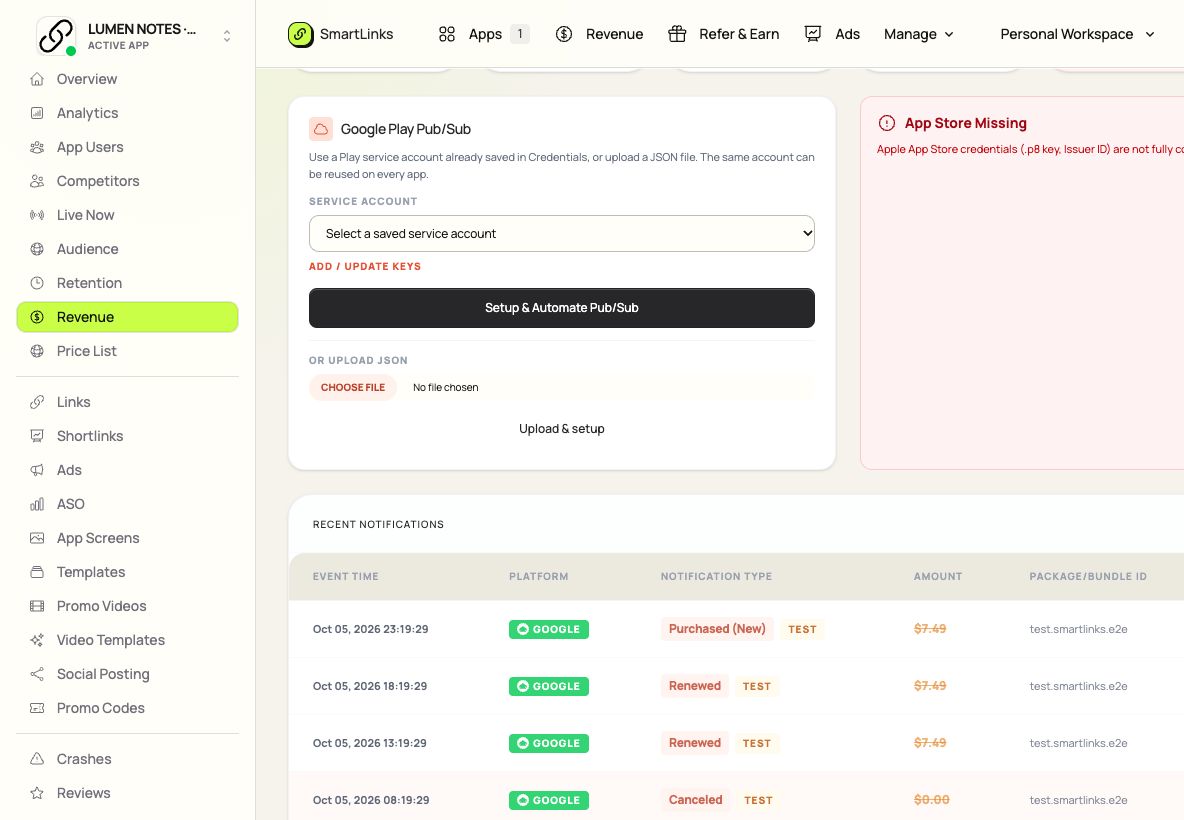
Captured from the real SmartLinks interface using fictional demo data.
Focus on Subscription Activity.
Keep the whole app connected.
Requires correctly configured App Store server notifications or Google Play RTDN. Notifications are lifecycle evidence, not store settlement reports.
Choose the app you want to inspect.
Configure the store notification connection.
Review incoming events and investigate changes.
Inspect subscription purchases, renewals and cancellations from Apple and Google store notifications.
Requires correctly configured App Store server notifications or Google Play RTDN. Notifications are lifecycle evidence, not store settlement reports.
No. Use your existing SmartLinks account. Your apps, ownership and team access carry across the product collection.
Subscription Activity uses your shared SmartLinks subscription. Choosing a different suite plan changes that shared subscription; it does not add a separate product subscription. Compare monthly, annual and lifetime plans.
Yes, with the plan access and permissions assigned by the workspace owner. Each teammate keeps their own account.
The Subscription Activity guide explains the workflow and provider setup. Other products remain available from the same account.
One place to start. Room to keep building.